 Image 1 of 5
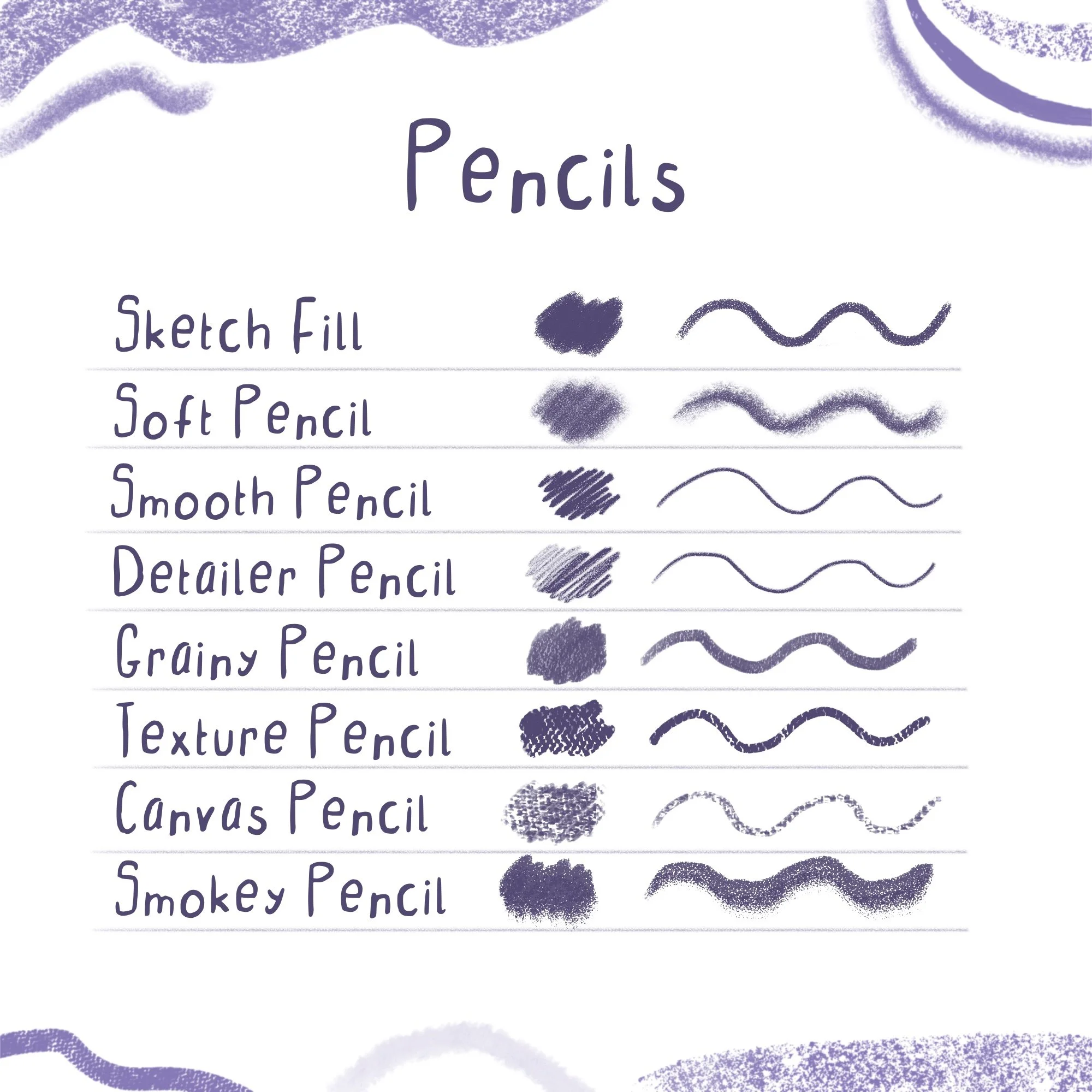 Image 2 of 5
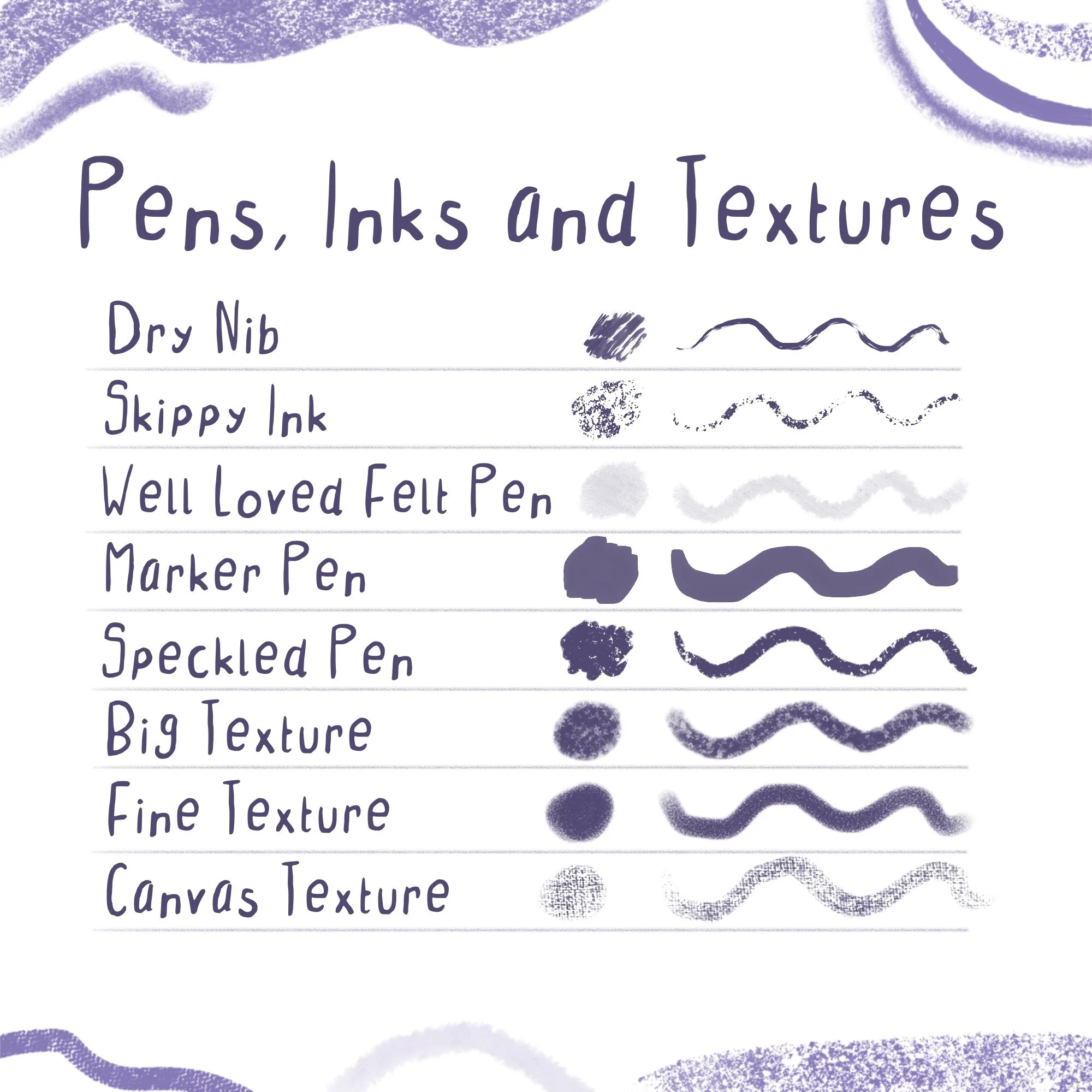 Image 3 of 5
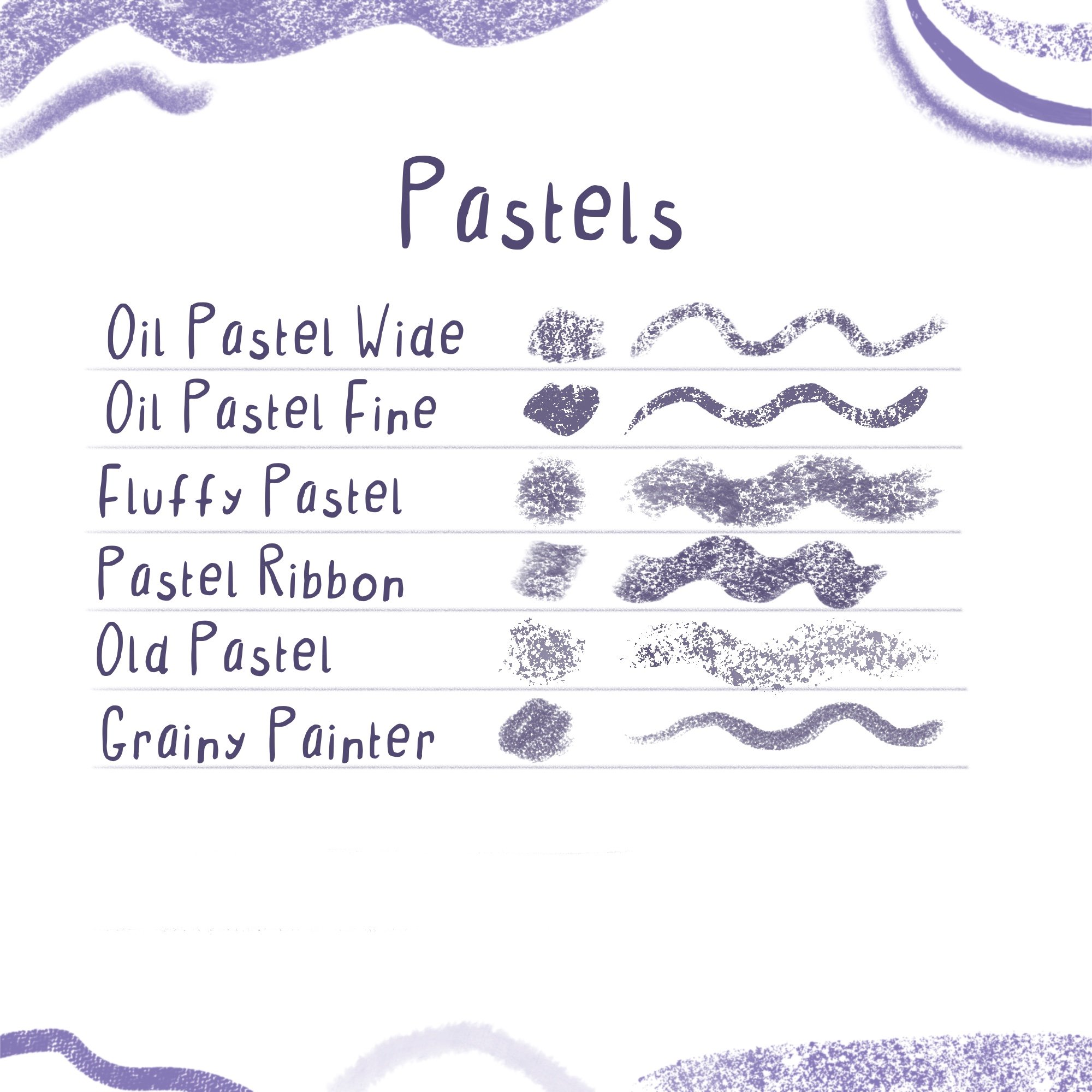 Image 4 of 5
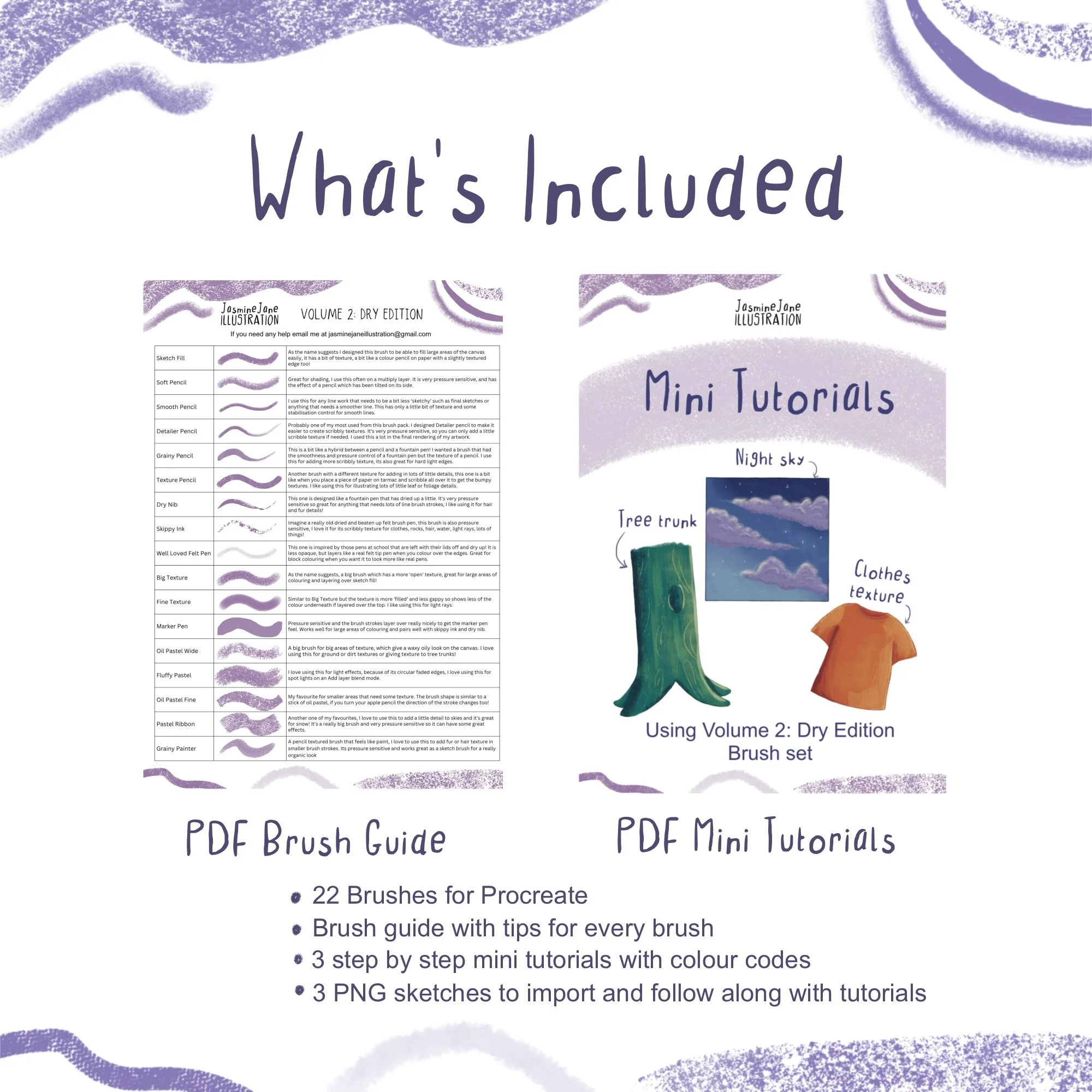 Image 5 of 5
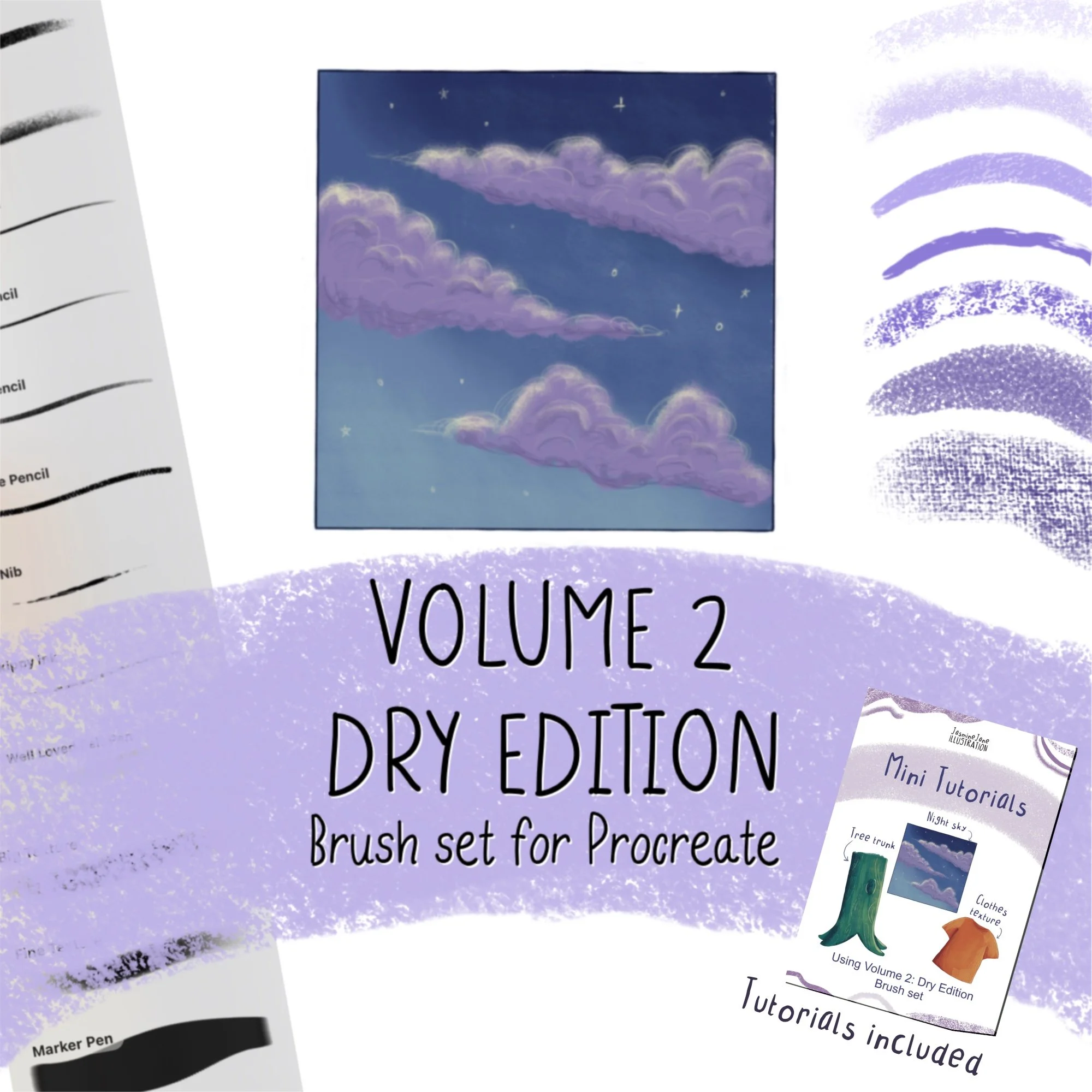
Volume 2: Dry Edition Procreate Brush Set
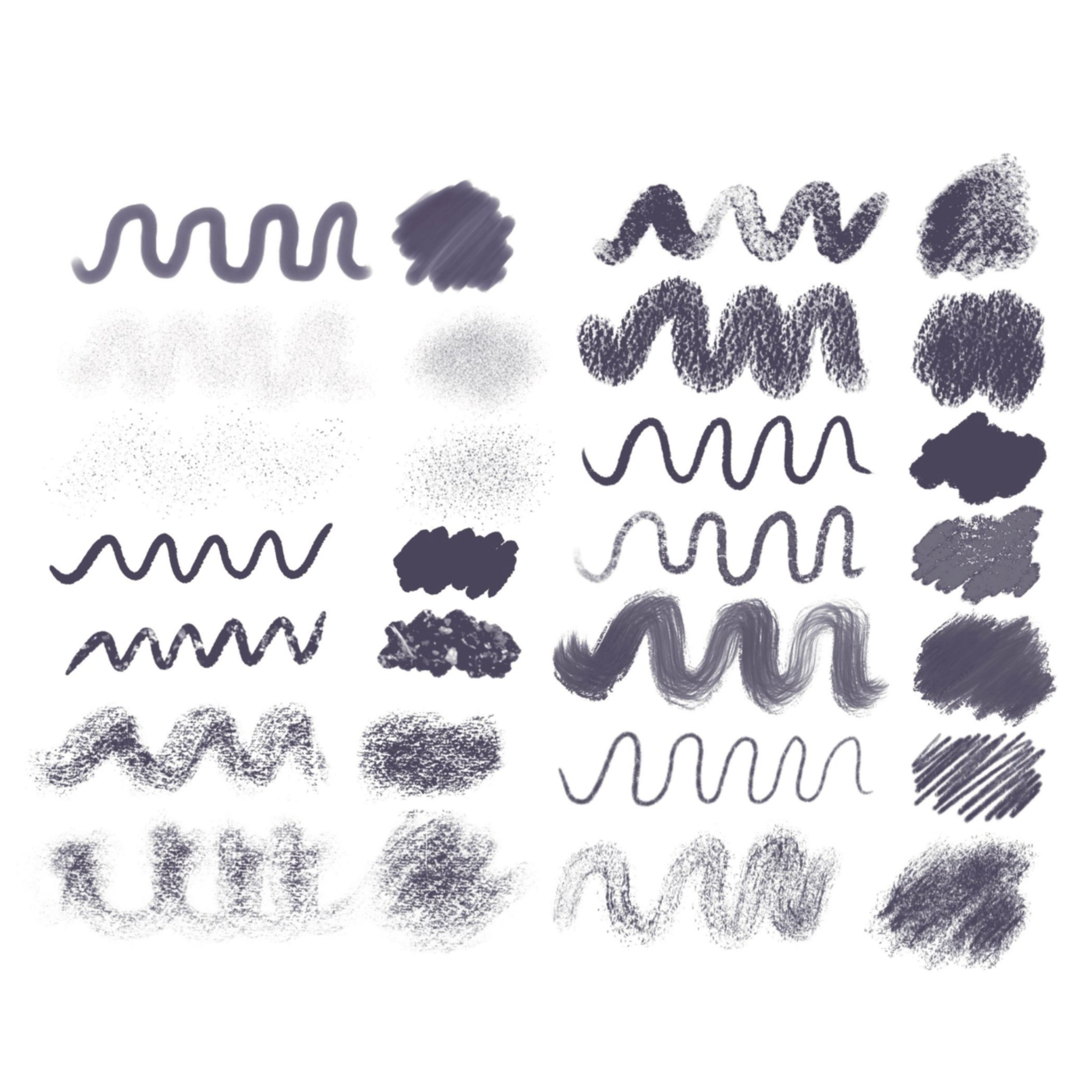
Hand-made brushes that recreate the look of dry media in your artwork
What's in the set
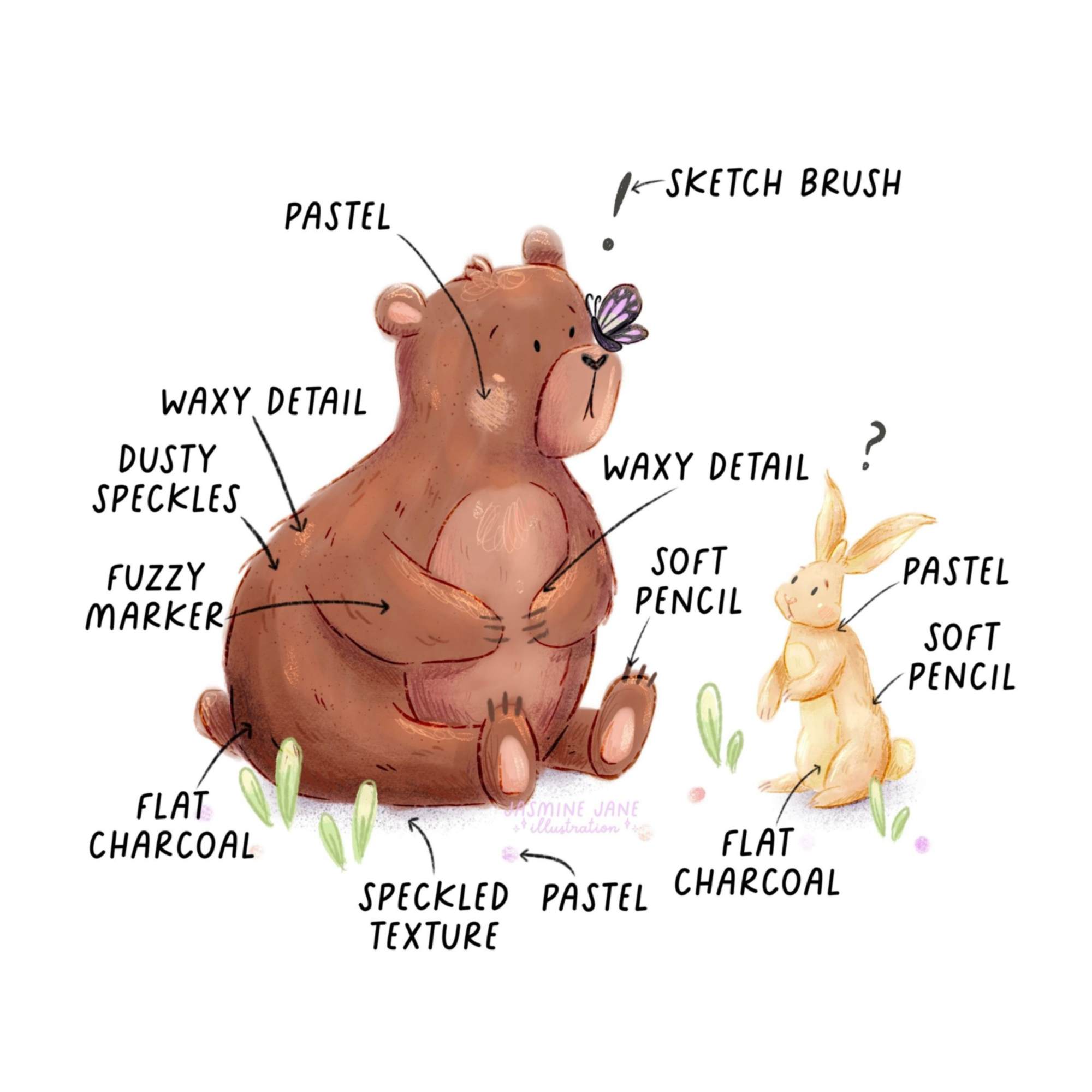
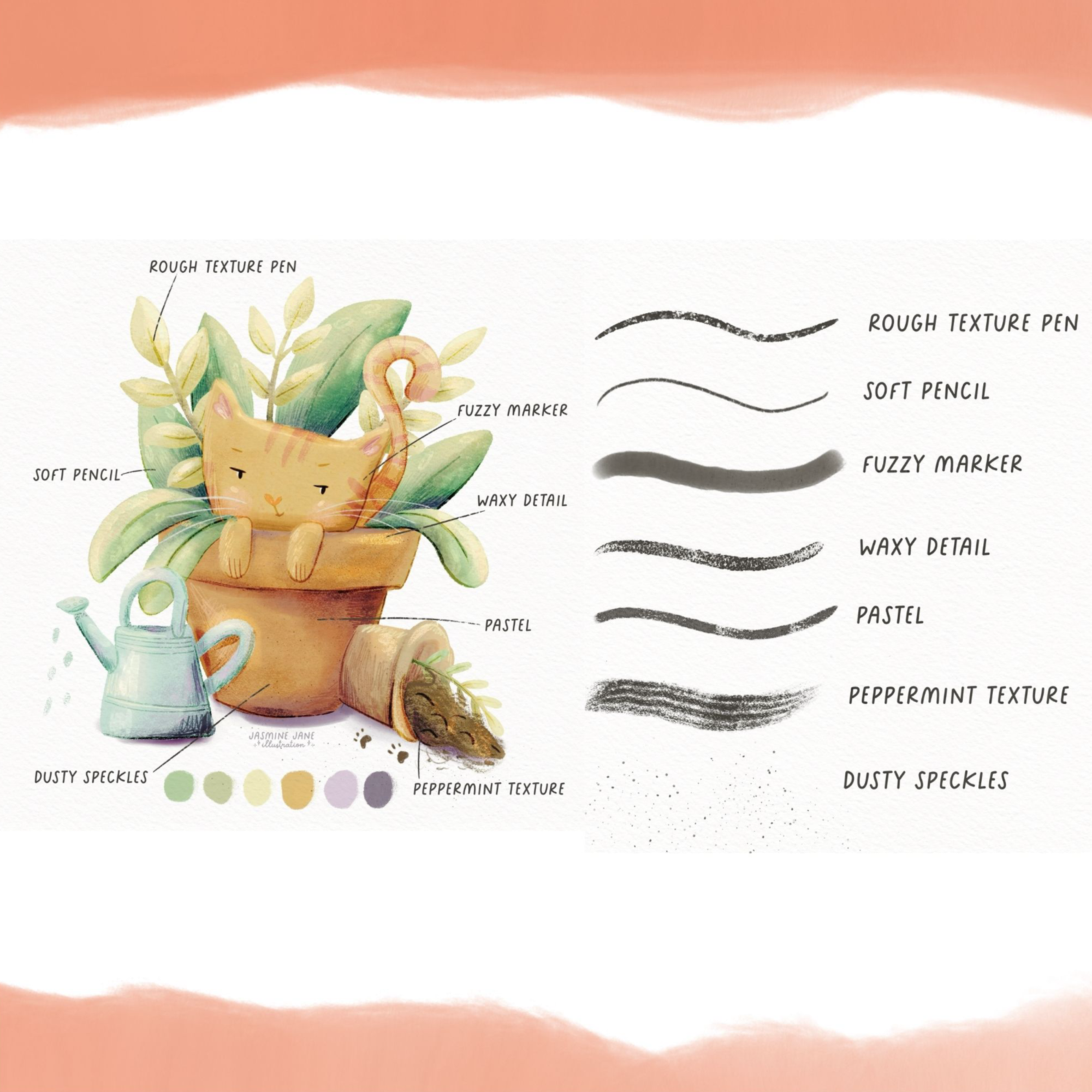
Pencils for sketching, shading, smooth final lines and scribbly rendering
Pens and inks that behave like dried-up fountain pens, beaten-up felt tips and markers
Oil pastels for waxy texture on tree trunks, ground, skies and snow
Texture brushes for canvas grain, light rays and big areas of layered colour
Learn How I Use Them
〰️
Learn How I Use Them 〰️
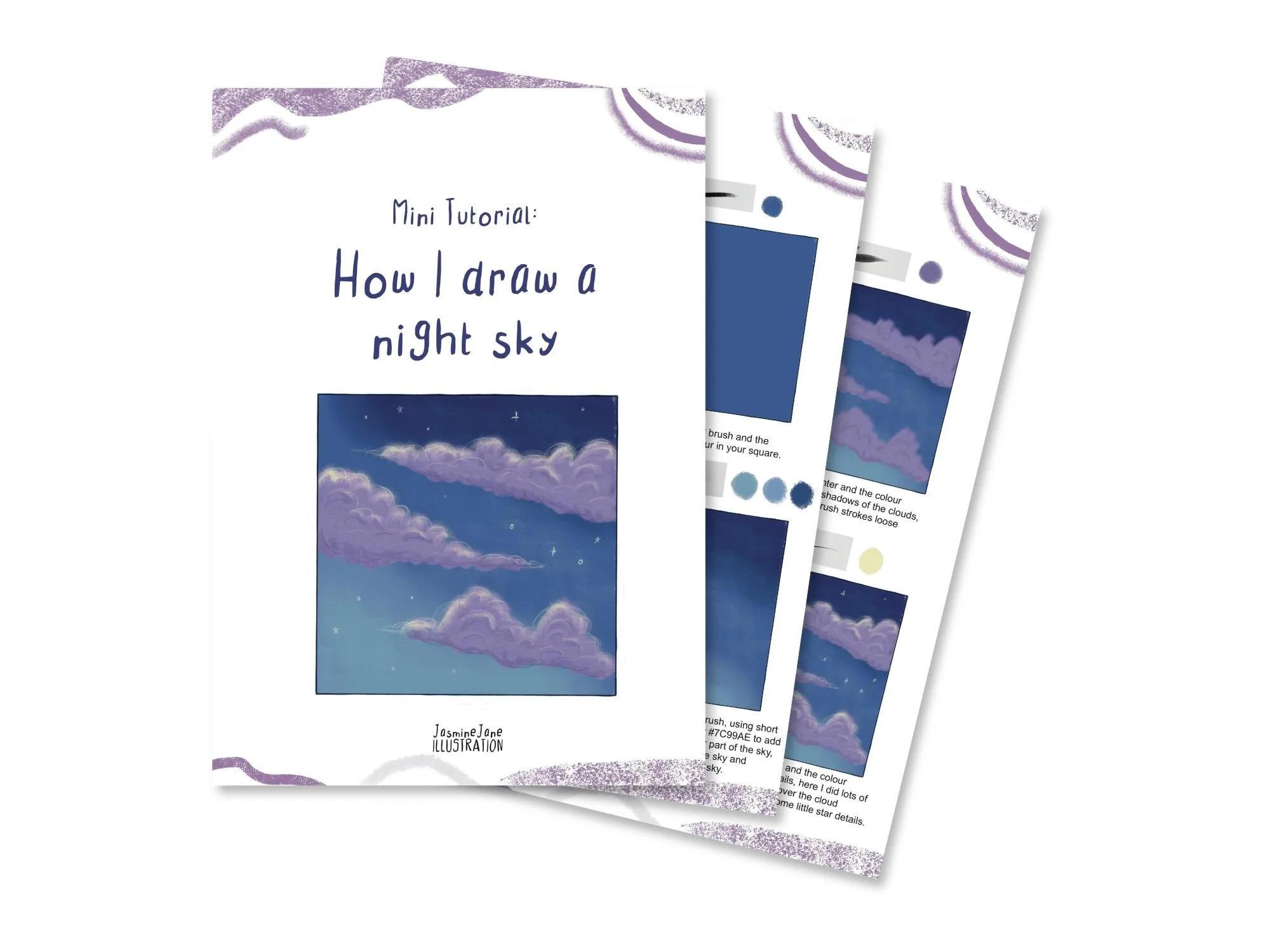
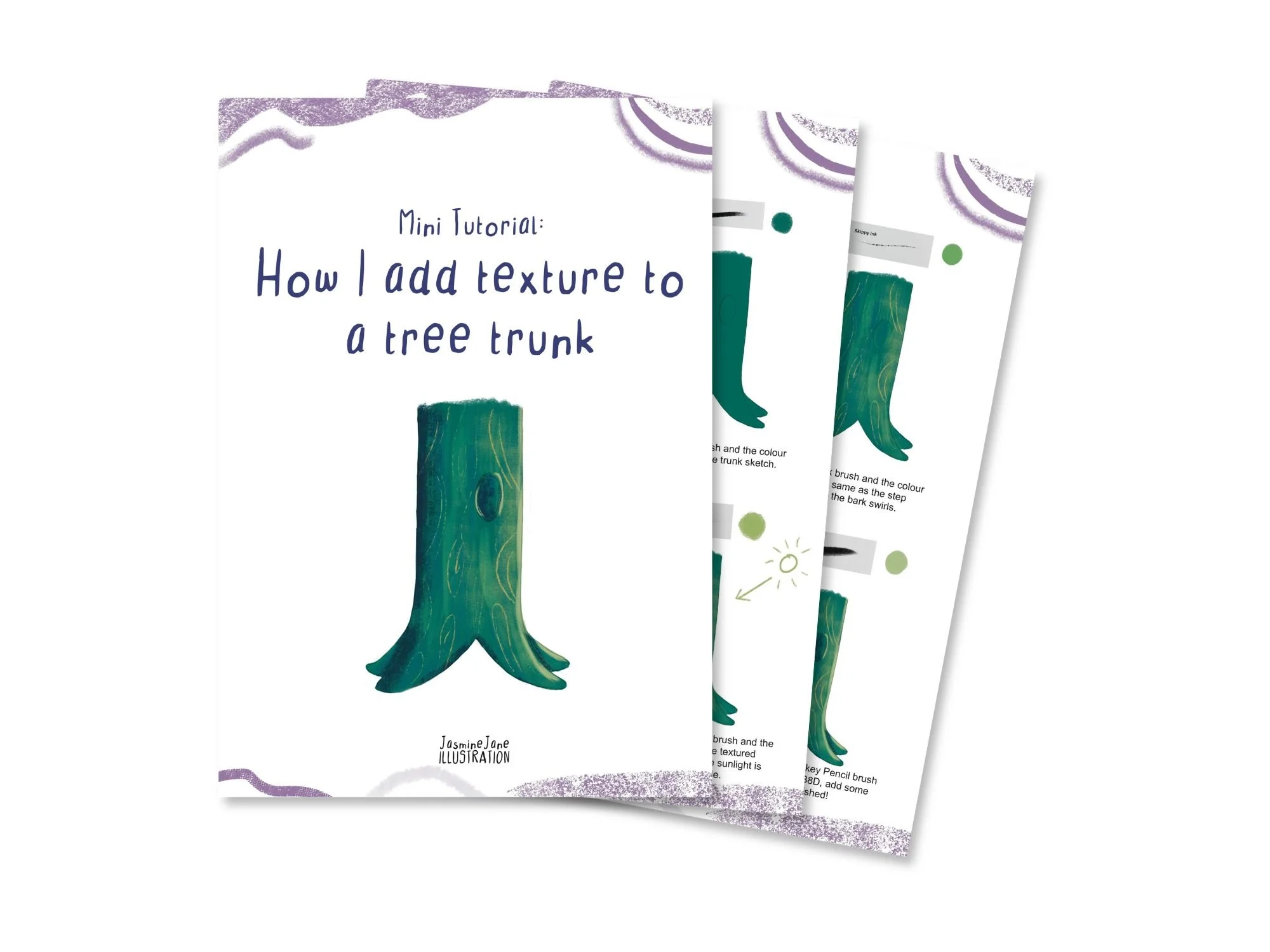
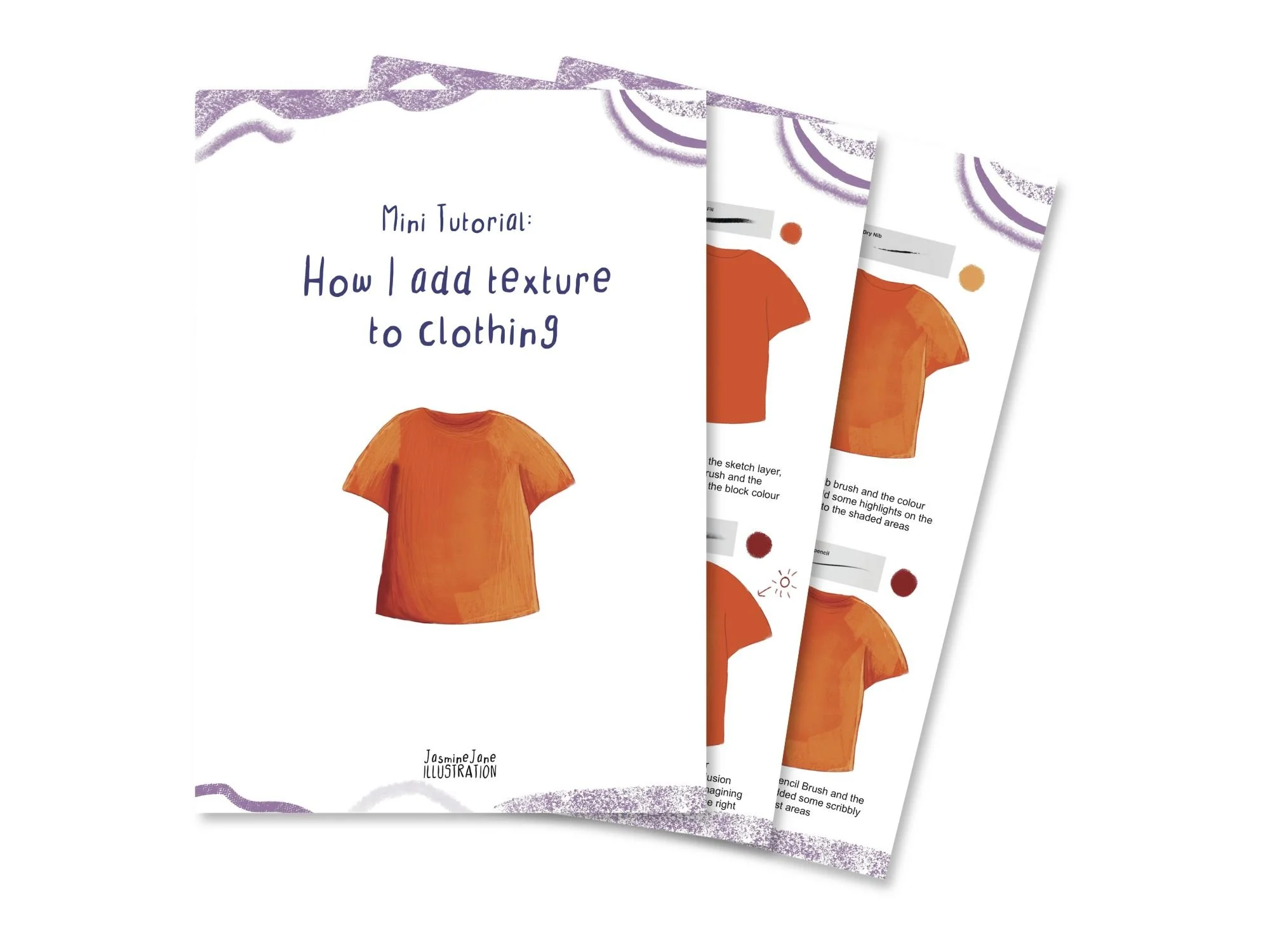
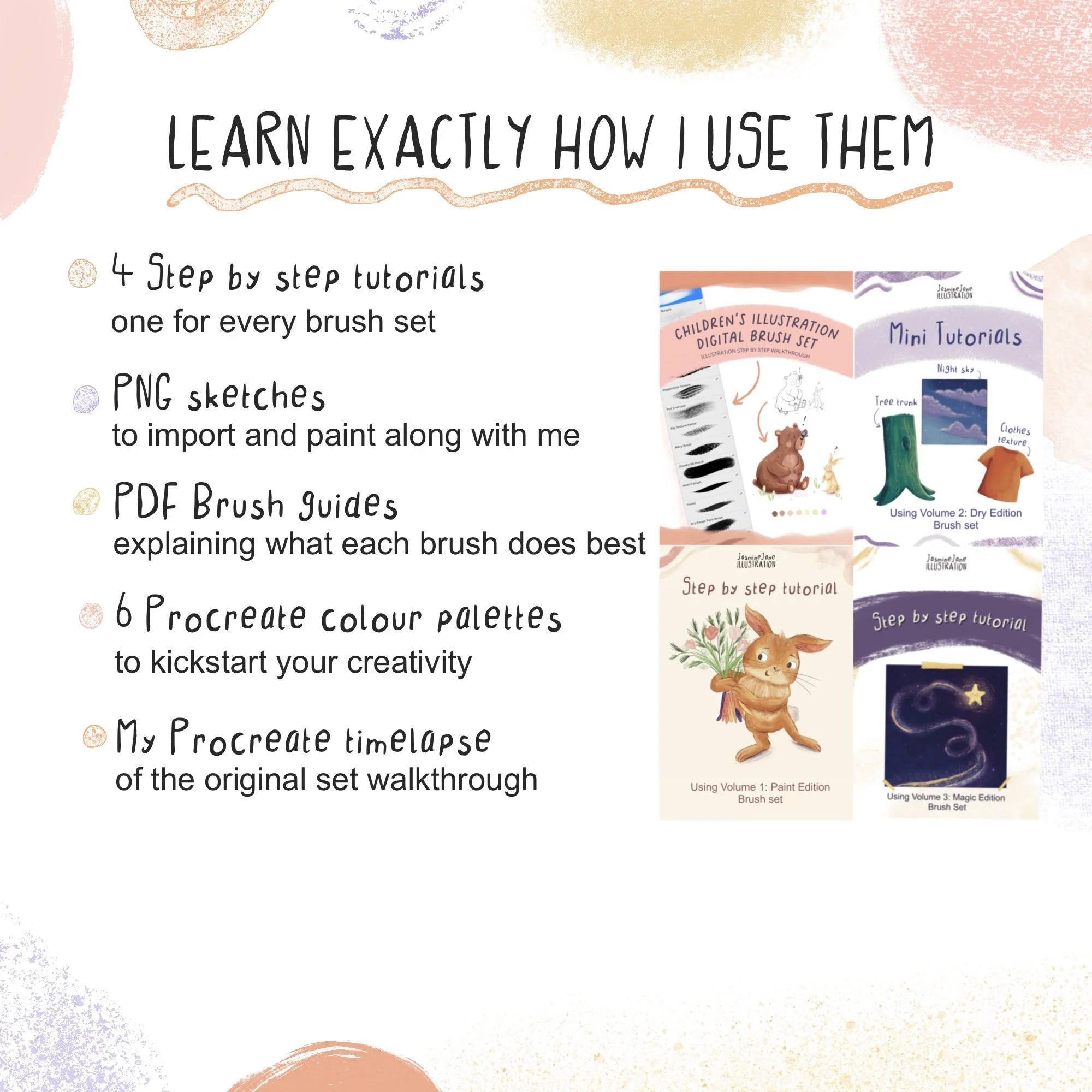
The set includes three mini tutorials showing exactly how I use the brushes, step by step, with every brush name and colour codes.
Part of my collection of brushes inspired by children's picture book illustrations
Volume 2: Dry Edition is one of three expansion sets for my Children's Illustration Brush Set. It pairs beautifully with Volume 1: Paint Edition, so you can block in with paint textures and finish with dry media detail.
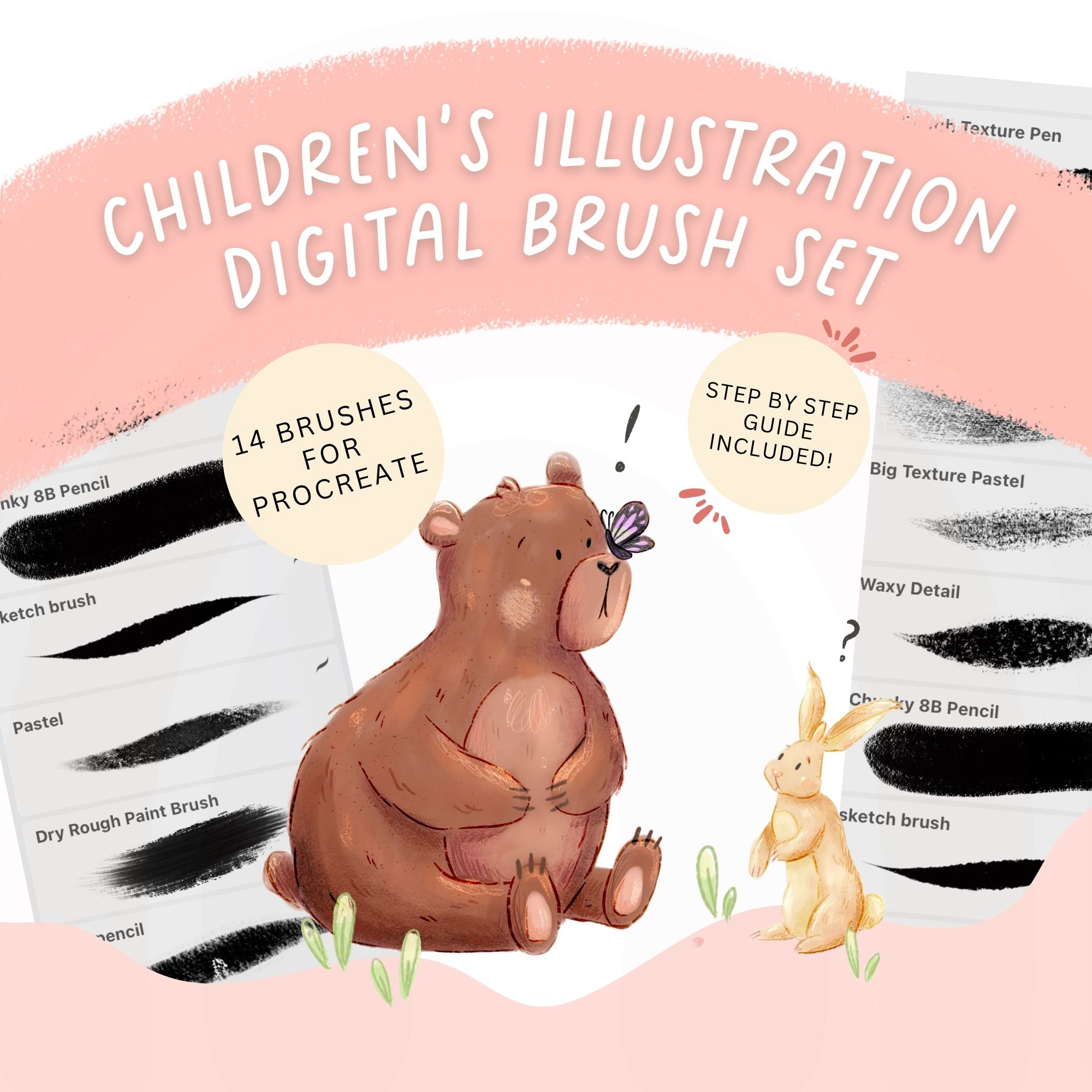
Give your digital art that handmade feel authors and publishers love!
14 Brushes designed for children’s picture book illustration - made by a published illustrator
Sound Familiar?
Digital art that looks….digital. Not quite what you pictured.
You open Procreates brush library and feel immediately overwhelmed
Your illustrations look clean and polished but notwarm, cozy or textured
You want to illustrate picture books but not sure how to create the textured look
The Solution..
A brush pack that makes your art feelhand drawn - even when it isn’t!
These are the exact 14 brushes I use to create the mixed media, textured look you see in real picture books.
Have all the brushes you need to complete your artwork from start to finish from sketch to cute little details - no digging through a thousand brushes.
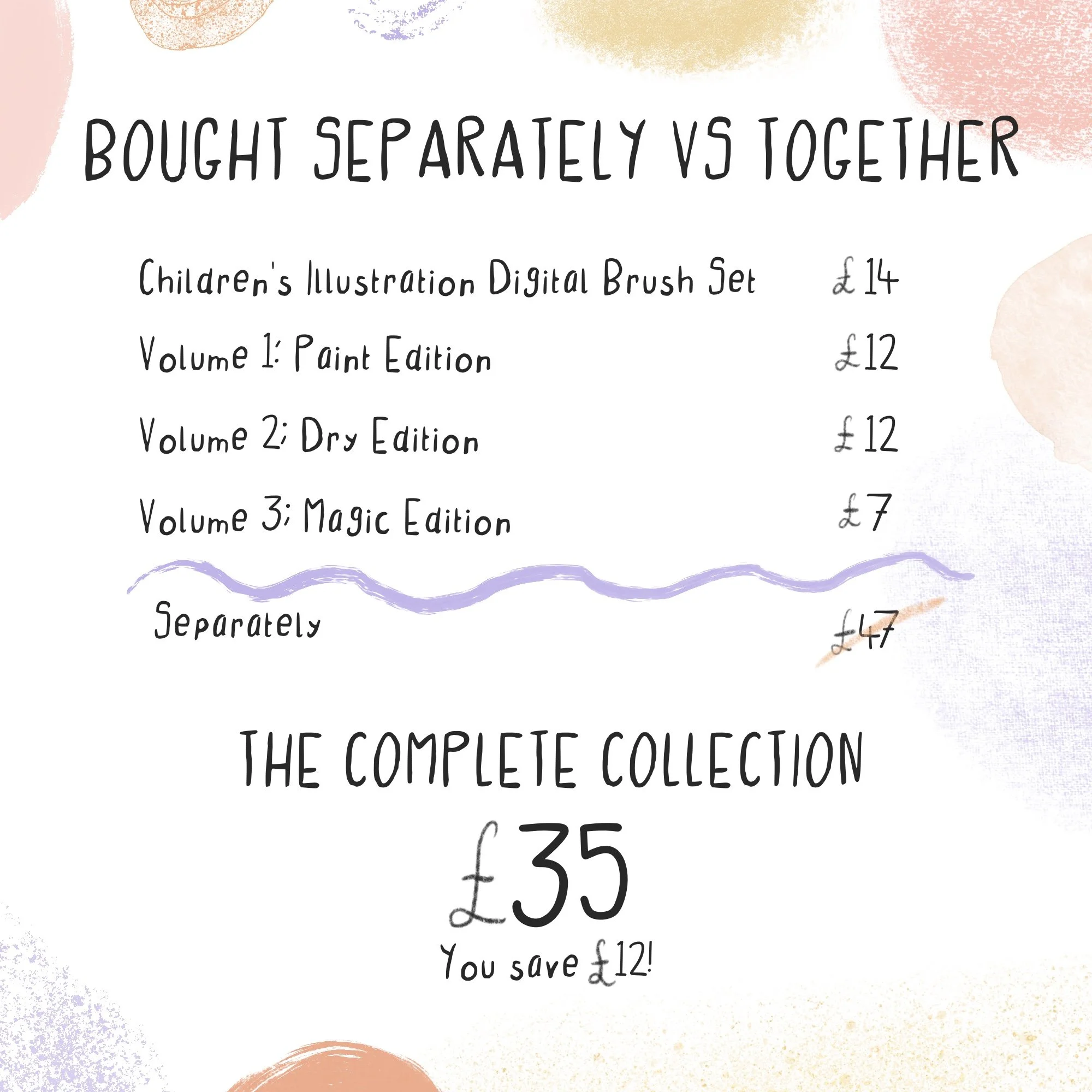
Included free!
Everything you need to actually use these brushes
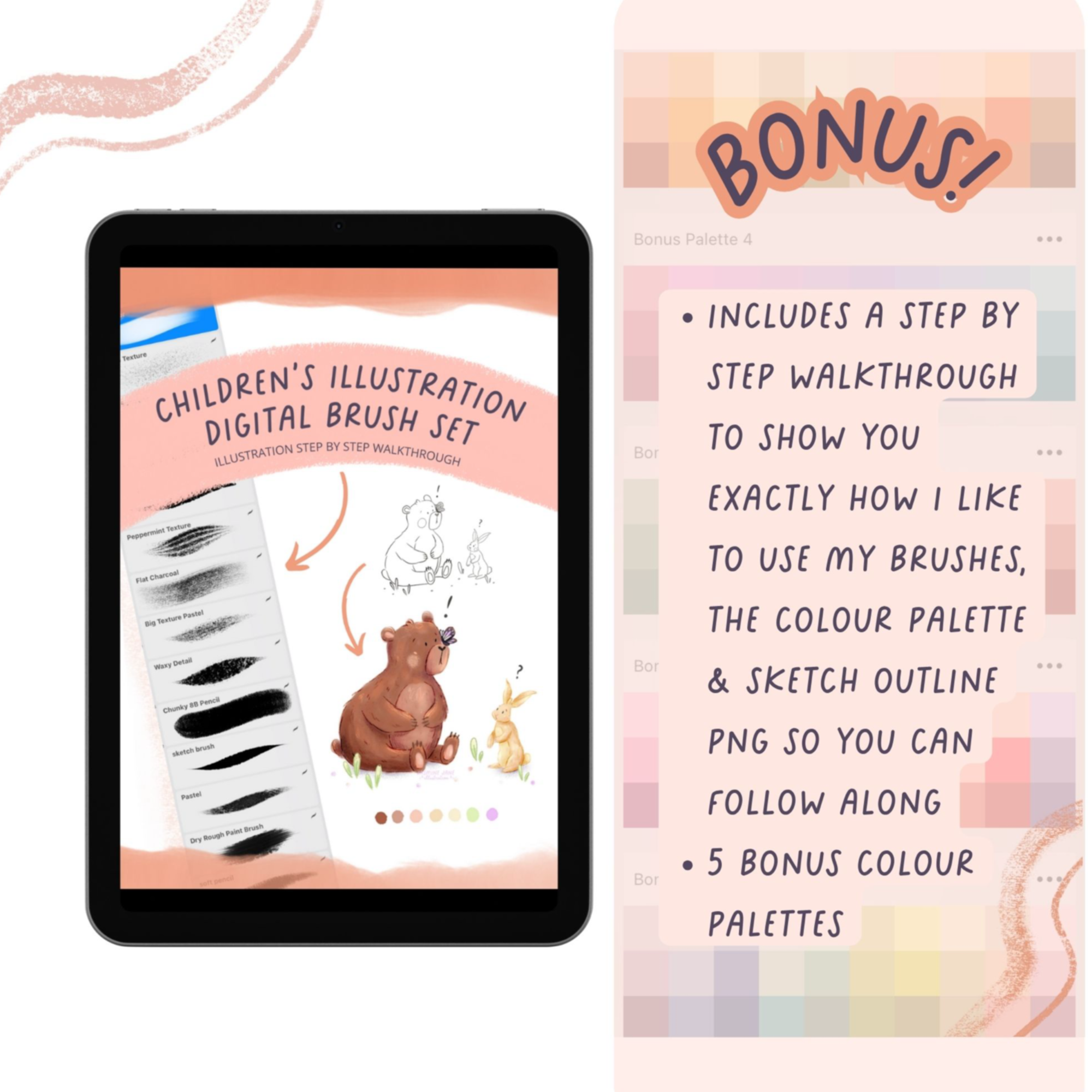
💛 PDF step- by- step illustration walkthrough explaining how I use my brushes in my artwork
💛 The sketch from my illustration walkthrough given to you as a PNG file so you can import it into create and try it out yourself
💛 The colour palette from the sketch so you can import it directly into Procreate, PLUS 5 MORE palettes so you can kickstart your creativity !
💛 EVEN MORE! Access to my procreate timelapse/ screen recording of the step by step illustration, so you can learn EXACTLY how I use my brushes in my own illustrations!
Is this for you?
Perfect fit for you if:
Use Procreate on iPad
Love the handmade storybook look
Are a hobbyist or aspiring picture book illustrators
Want less friction and more creating
Not right for you if:
You use Photoshop, illustrator or clip studio
You prefer a very clean vector style
You’re looking for photo realistic brushes
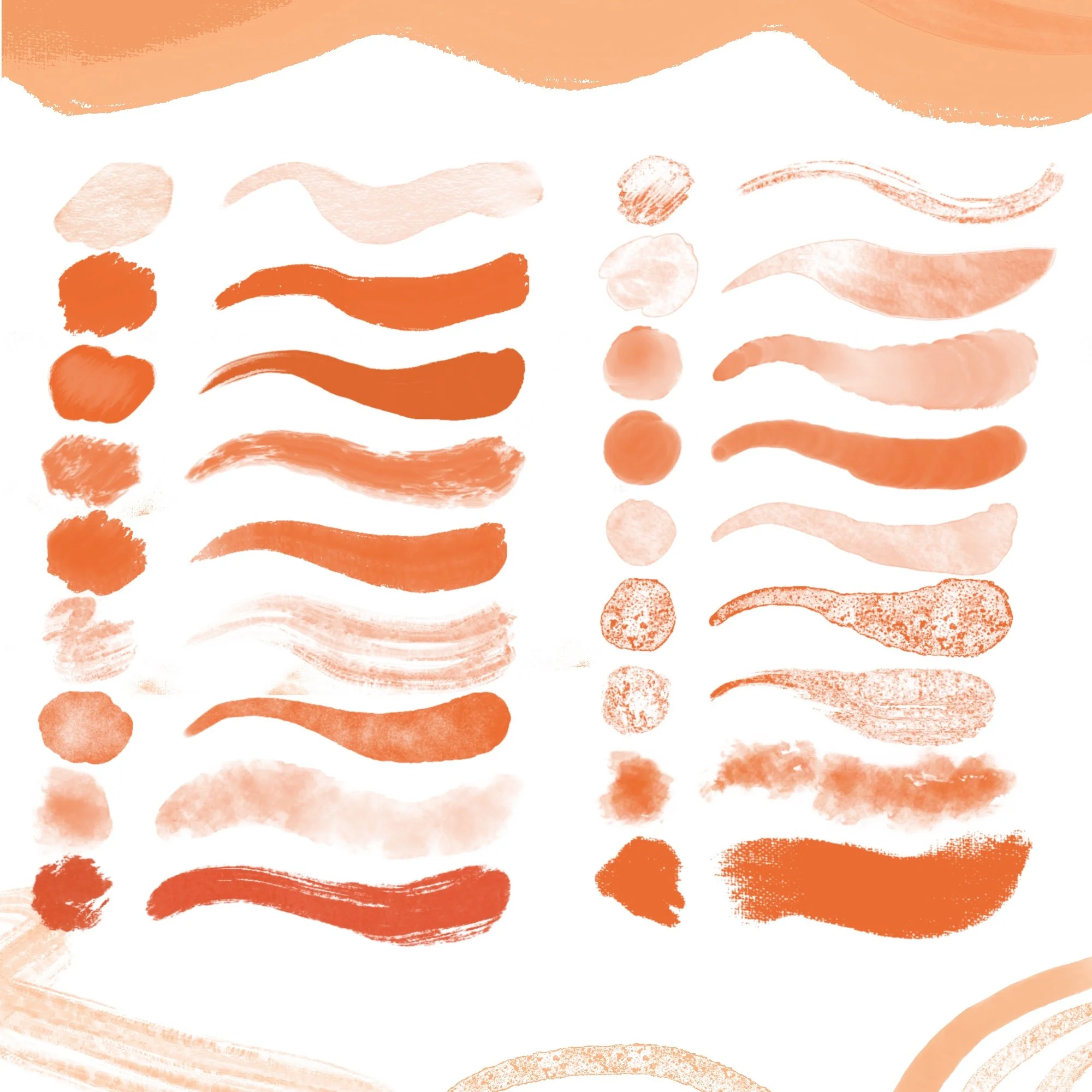
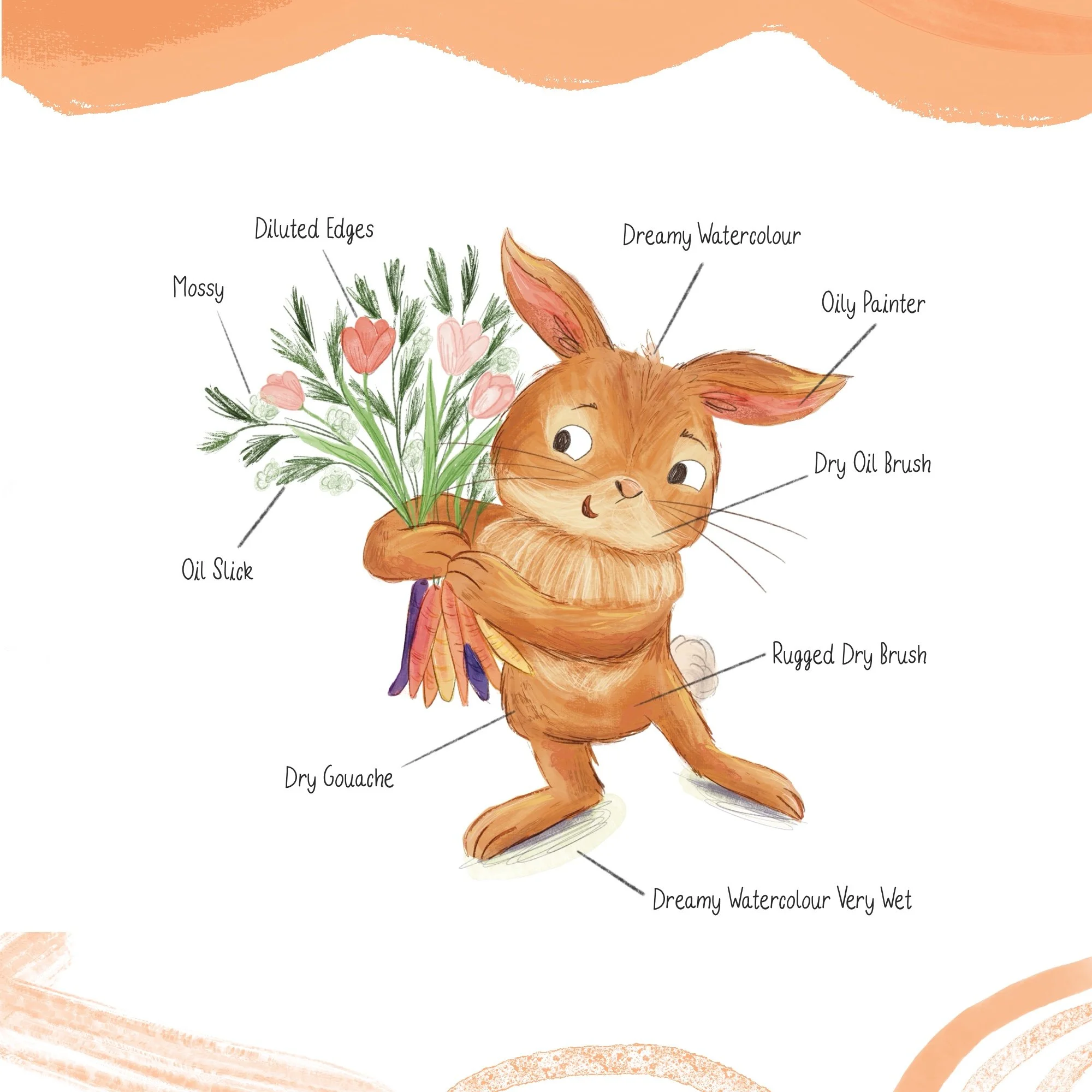
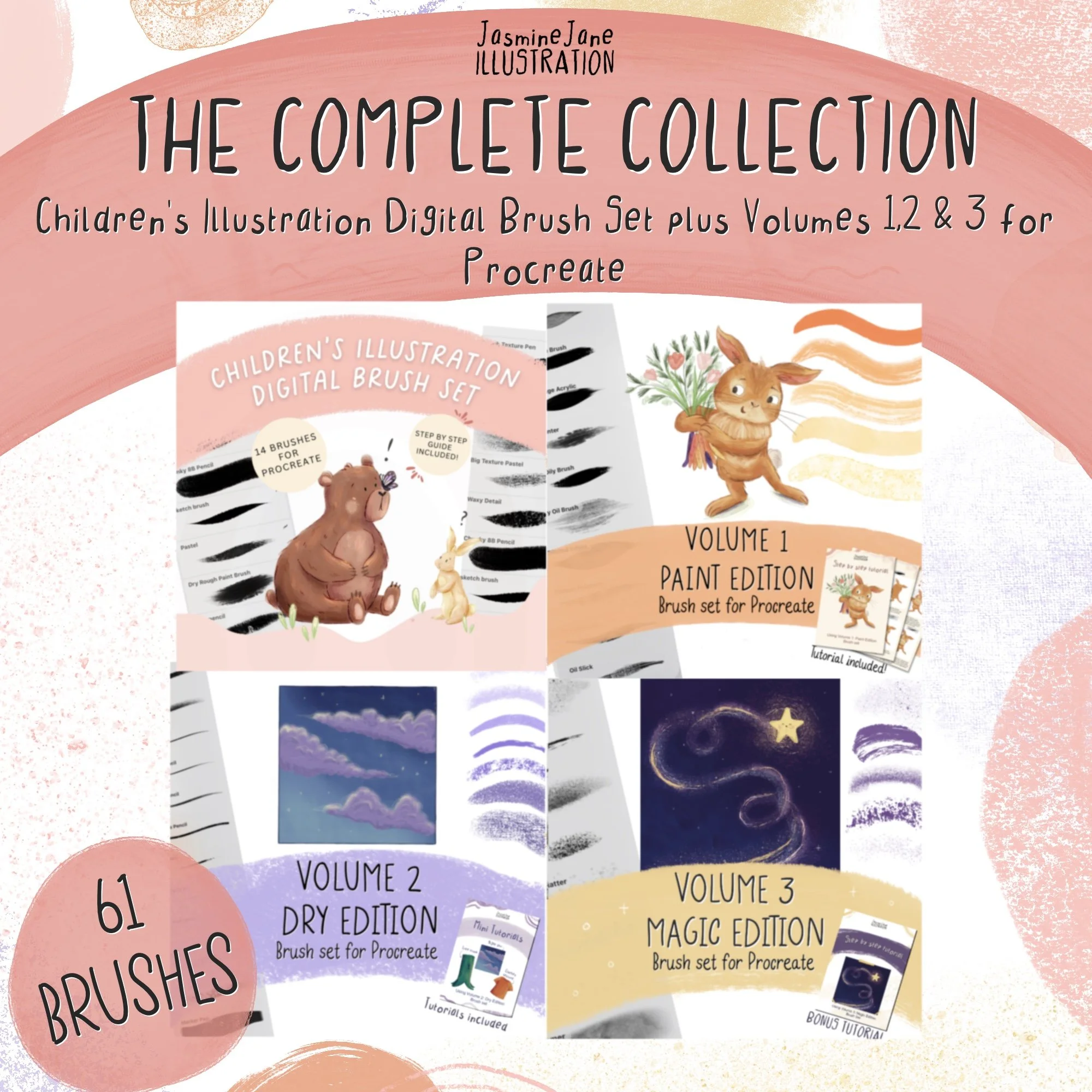
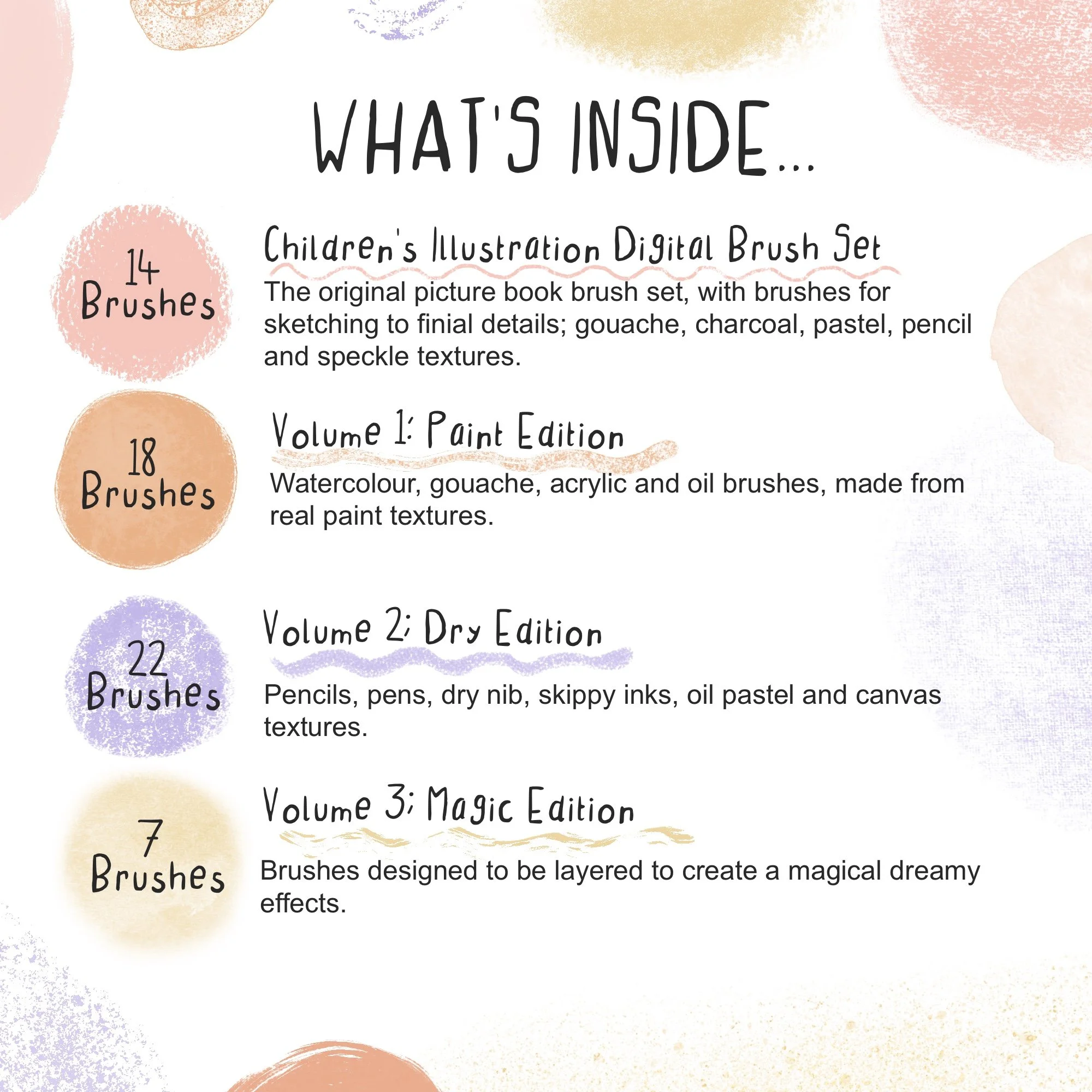
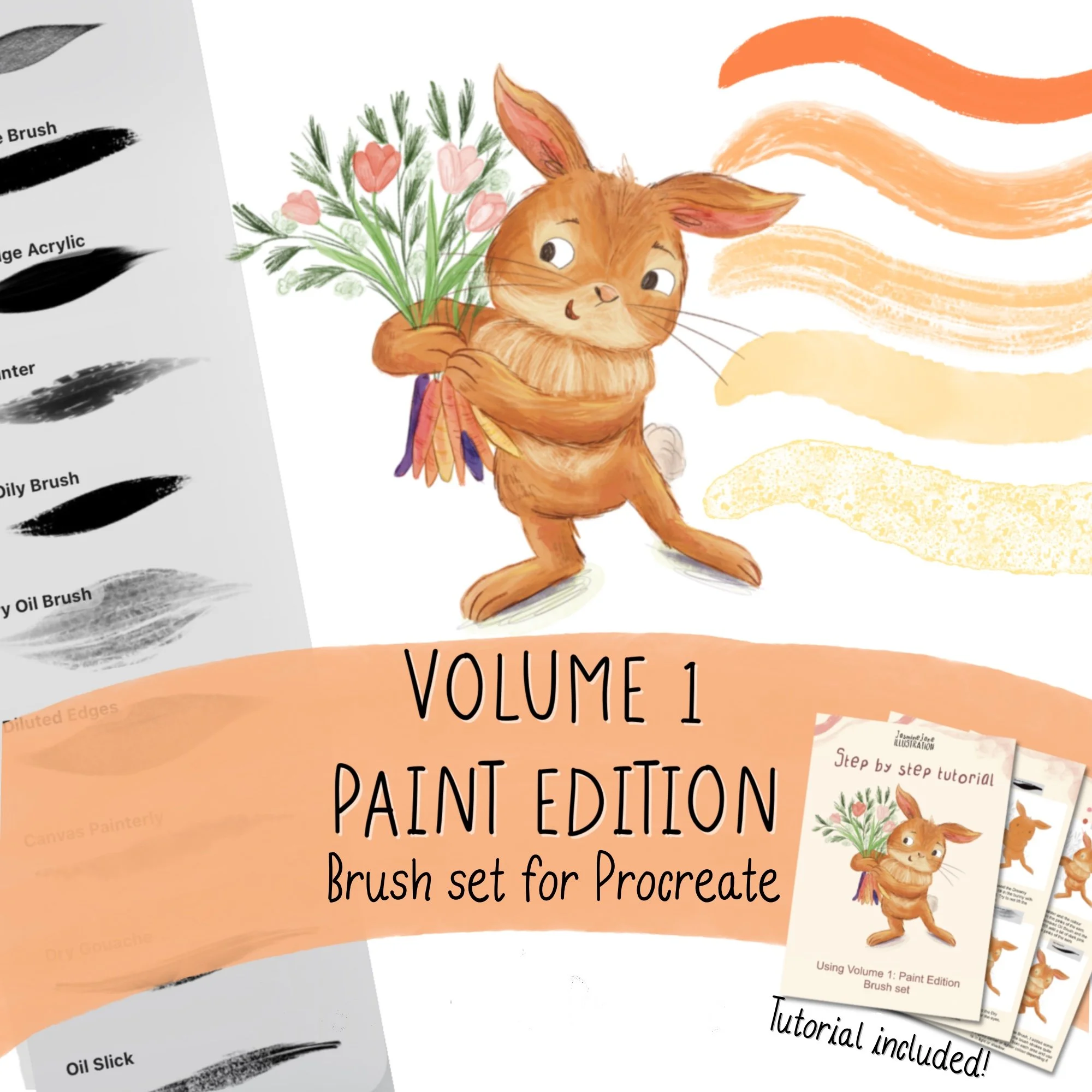
Volume 1: Paint Edition is an extension of my Children’s Picture Book Illustration Digital Brush Set for Procreate. It has 18 brushes made from real watercolour, gouache, acrylic and oil textures I use in my own artwork and published picture books.
18 brushes emulating watercolour, gouache, acrylic and oil textures
Made from real traditional media that I use in my own artwork
Pressure sensitive so opacity and texture feels natural
Perfect for character art, picture book illustrations
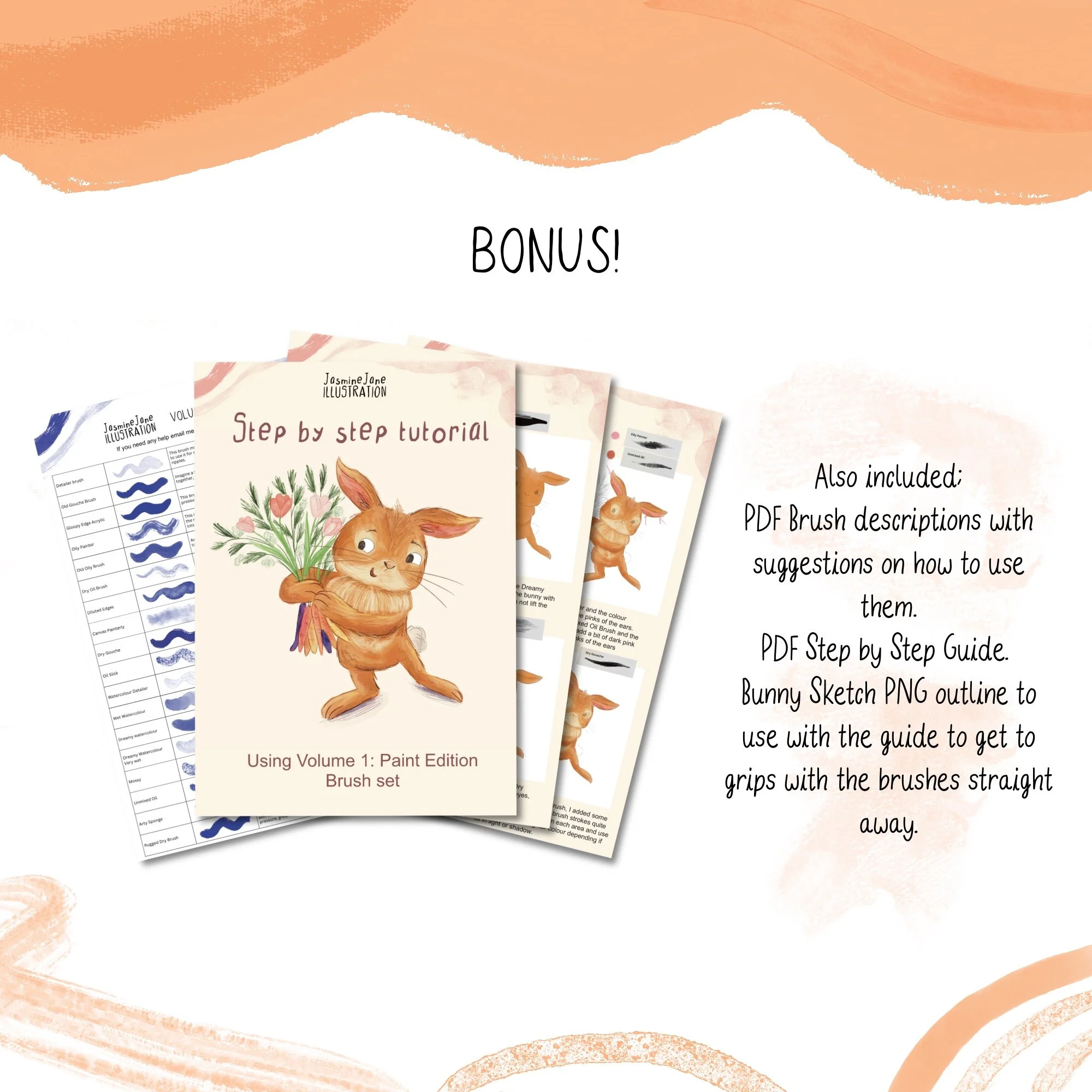
BONUS: includes a brush guide explaining each brush and a step by step PDF showing you how I use the brushes in my illustration.
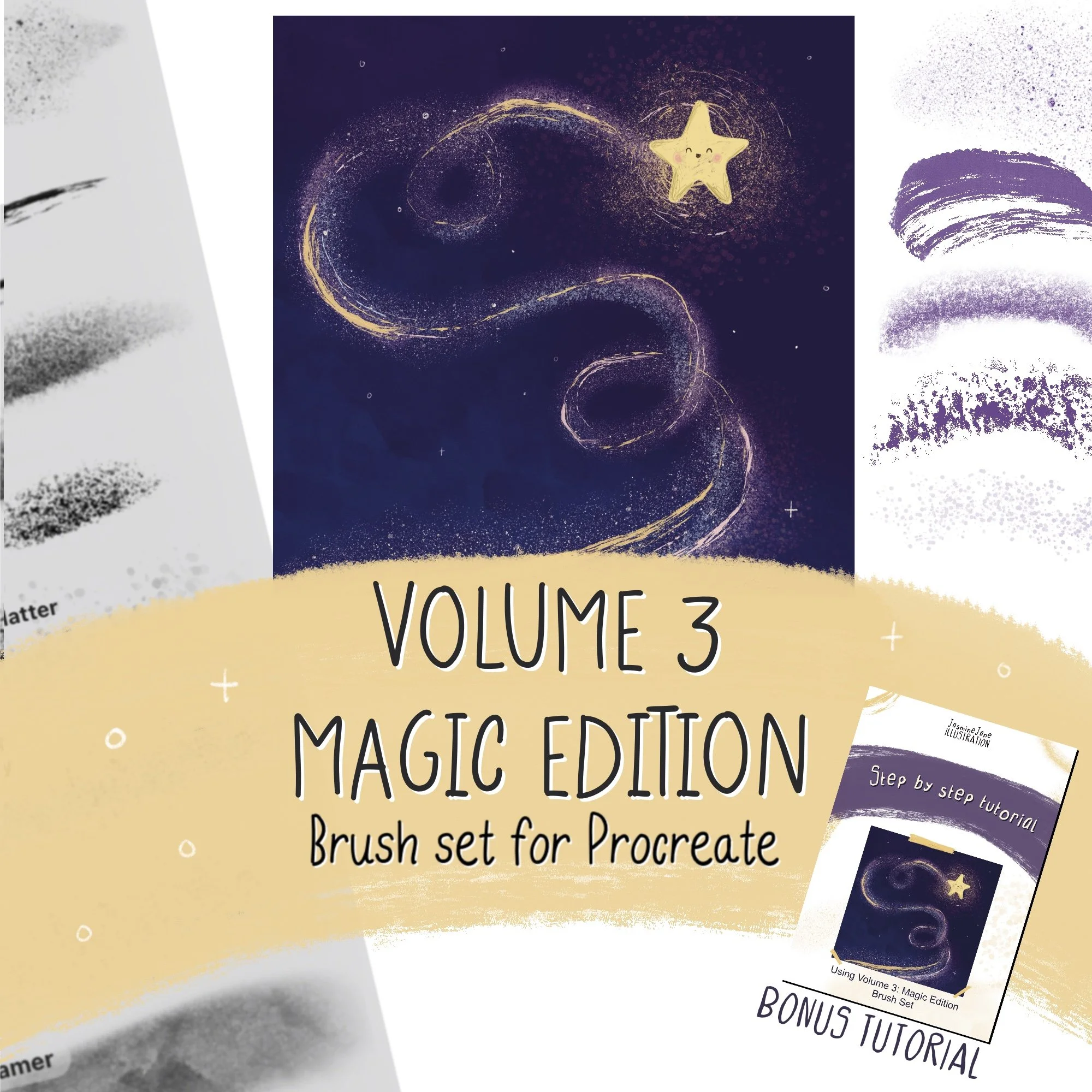
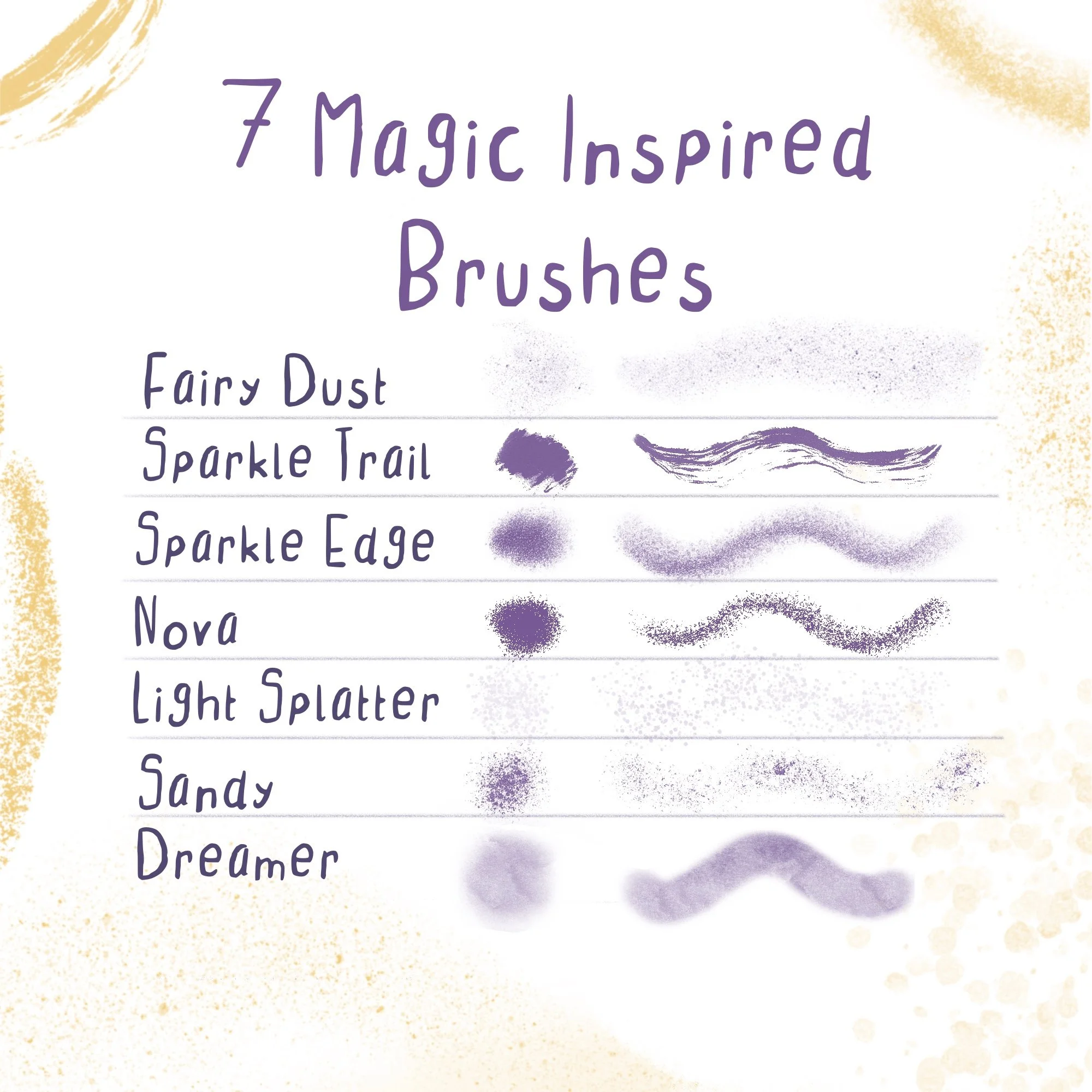
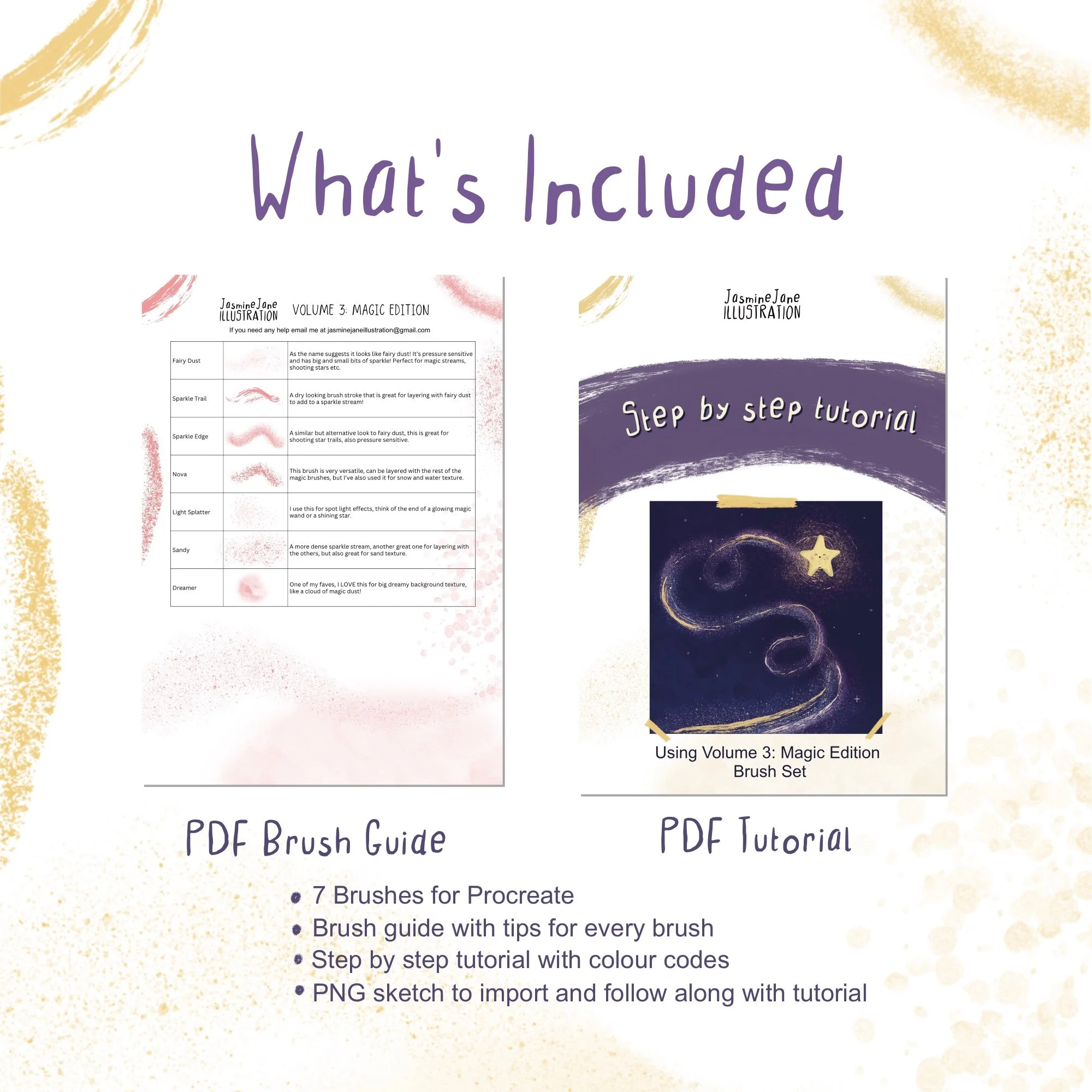
7 sparkly, magical brushes for Procreate.
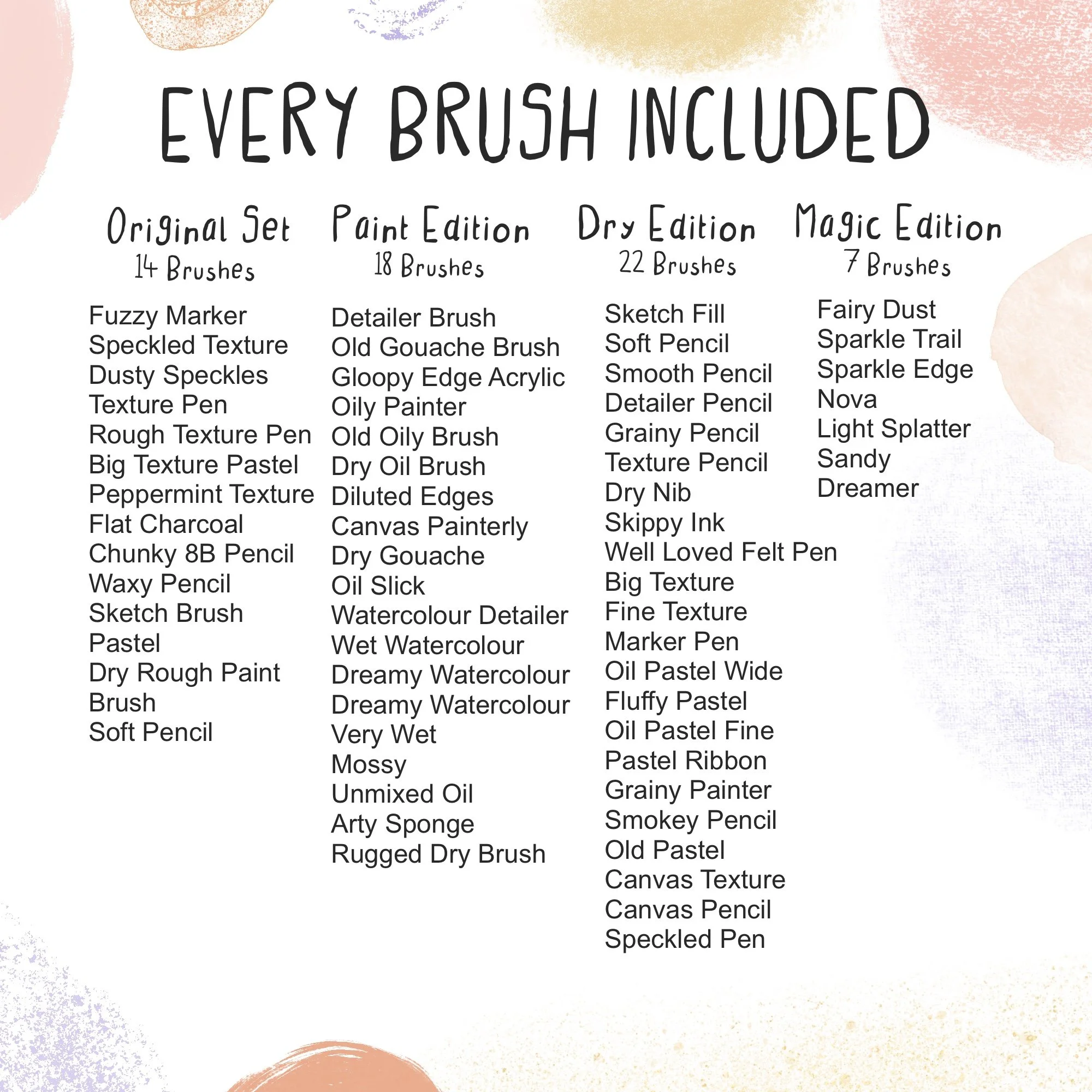
Fairy dust, shooting star trails, glowing light splatters and dreamy textures, made by me for adding a little magic to my children's illustrations. Layer them up and watch your artwork glow!
Comes with a brush guide and a 12-step star trail tutorial, plus the star sketch so you can paint along.
7 Procreate brushes (.brushset)
PDF brush guide with tips for every brush
12-step PDF tutorial with brush names and colour codes
PNG star sketch to paint along with
Instant digital download
Frequently Asked Questions
-
An iPad with Procreate installed. An Apple Pencil is recommended, as most of the brushes are pressure sensitive.
-
Download the .zip and unzip it in the Files app. Tap the .brushset file and it opens straight into Procreate, where you'll find Volume 2: Dry Edition at the top of your brush library.
-
One .brushset file, two PDFs (the brush guide and the mini tutorials) and three PNG sketch files.
-
No, Volume 2 works on its own. It also pairs really nicely with Volume 1: Paint Edition if you'd like both.
-
Yes, use them in anything you create, personal or commercial. Please don't share, resell or redistribute the brushes themselves.
-
As this is a digital download, I'm not able to offer refunds. If something isn't working, email me at jasminejaneillustration@gmail.com and i’ll see if I can help!